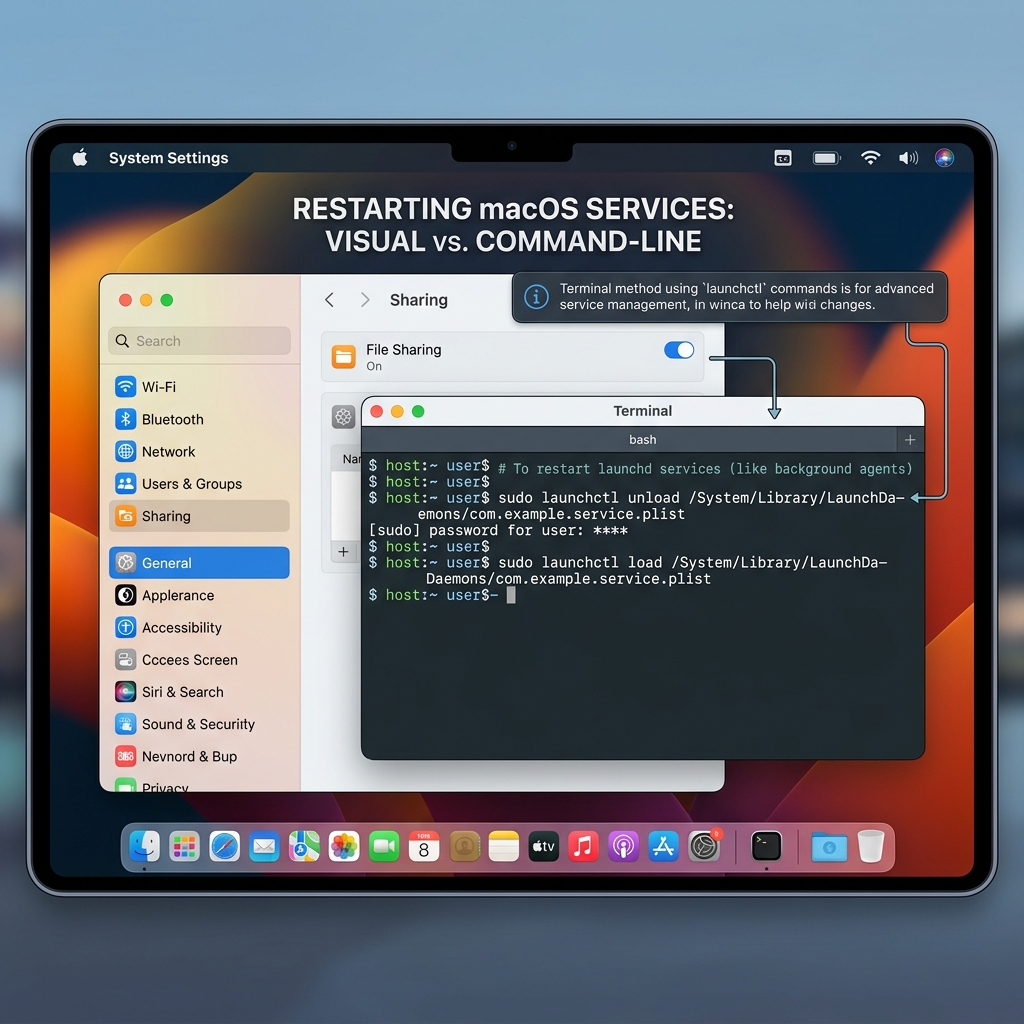
How to Restart a Service on macOS: GUI and Terminal Methods Explained
Struggling with a misbehaving service on your Mac? This post explains two easy ways to restart services on macOS: using System Preferences for a simple GUI approach and Terminal commands for more control over system-level services. Follow step-by-step instructions to stop and start services, whether you’re a casual user or a developer. Learn how to manage user-level services quickly or gain fine control via Terminal commands like `launchctl`. Whether you prefer a no-fuss graphical method or the power of command line, this guide helps you troubleshoot and get your Mac services running smoothly again.