Programming

How to Restart a Service on macOS: GUI and Terminal Methods Explained

How to Restart a Service on macOS: GUI and Terminal Methods Explained

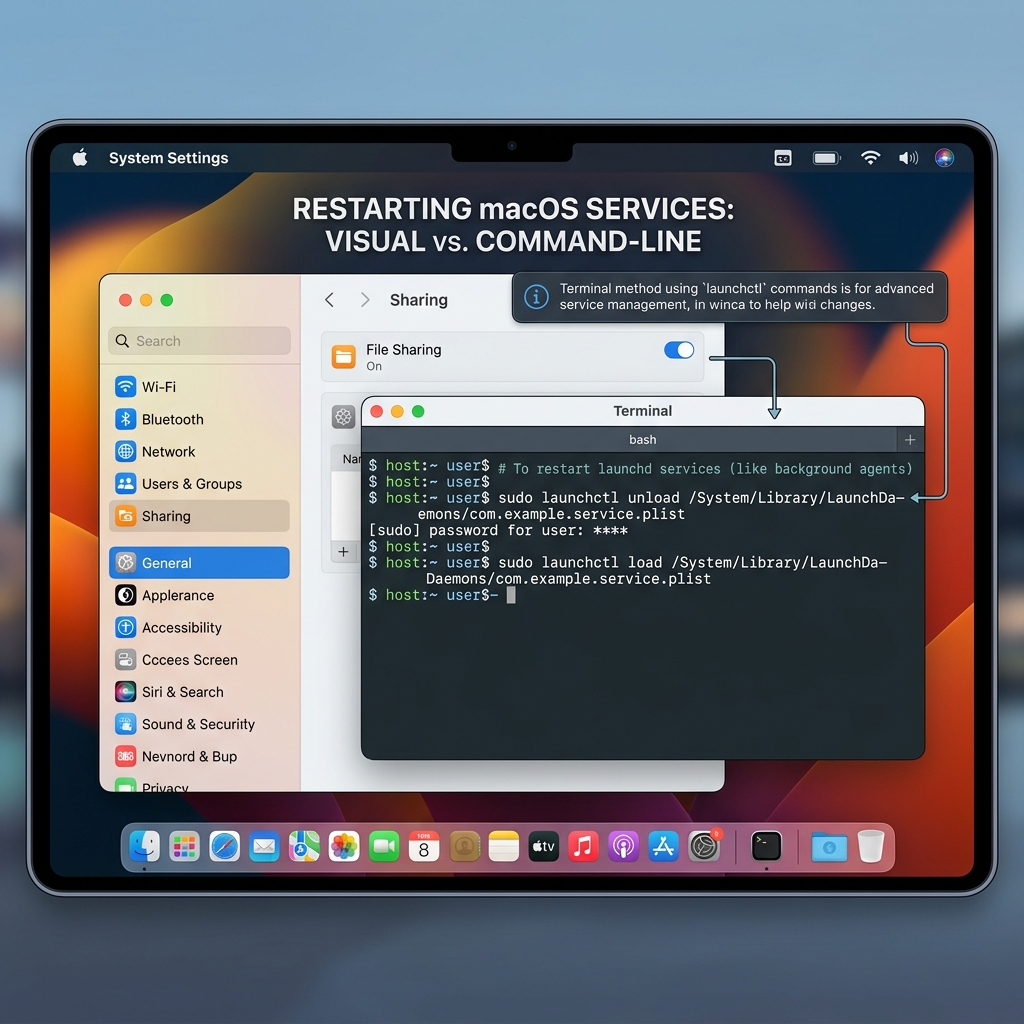
Struggling with a misbehaving service on your Mac? This post explains two easy ways to restart services on macOS: using System Preferences for a simple GUI approach and Terminal commands for more control over system-level services. Follow step-by-step instructions to stop and start services, whether you’re a casual user or a developer. Learn how to manage user-level services quickly or gain fine control via Terminal commands like `launchctl`. Whether you prefer a no-fuss graphical method or the power of command line, this guide helps you troubleshoot and get your Mac services running smoothly again.

Workflow

How to Master Your Software Development Workflow for Maximum Productivity and Impact

Modern software development is about managing complexity and optimizing workflow rather than just coding faster. This guide explains how to protect deep work periods, reduce context switching, and automate repetitive tasks using tools like Docker and AI assistants to boost productivity. It stresses the importance of measuring success using DORA metrics—such as deployment frequency and lead time—to focus on delivering real value. To prevent burnout and technical debt, developers should dedicate time to refactoring and adopt security best practices by integrating automated vulnerability checks early in the process. Practical strategies like “No-Meeting Wednesdays,” strict manual review of AI-generated code, and the “Rule of Three” for automation help maintain focus and quality. By mastering these techniques, developers can transform their daily workflows into efficient, high-impact routines and build resilient, scalable software systems.

Ffmpeg

How to Convert MP4 to MP3 Using FFmpeg: A Technical Guide

This guide explains how to convert MP4 video files to MP3 audio using the open-source tool FFmpeg. It covers basic command-line usage for extracting audio with the LAME MP3 encoder, options for adjusting audio quality through variable or constant bitrate settings, and advanced features such as stereo/mono conversion, custom sample rates, and metadata preservation. Best practices are included for testing and compatibility to ensure efficient, high-quality audio extraction. FFmpeg offers a robust, cross-platform solution ideal for developers and media processors needing reliable audio conversion from video.

Git

Master Git Worktree: Unlock Parallel Branching for Efficient Development

Git worktree is a powerful feature that lets developers work on multiple branches simultaneously in separate directories, all sharing the same repository data. This enables parallel development for features, hotfixes, reviews, and builds without the need to stash changes or switch branches constantly. The post covers how to add, list, remove, move, lock, and unlock worktrees using Git commands, along with example workflows for real-world scenarios. It also provides advice on directory structure, IDE integration, configuration aliases, best practices, and key limitations like one branch per worktree. Overall, `git worktree` streamlines parallel development workflows, making it an essential tool for efficient software engineering.

Javascript

Entendendo de uma vez por todas a diferença entre splice e slice em JavaScript

Neste post, o autor explica de forma simples e divertida a diferença entre os métodos `slice` e `splice` em arrays JavaScript, frequentemente confundidos. Usando a metáfora de fatias de bolo e histórias cotidianas, ele mostra que `slice` retorna uma cópia de uma parte do array sem modificá-lo, enquanto `splice` altera o array original removendo ou inserindo elementos. O texto traz exemplos de código para facilitar a compreensão e destaca as assinaturas e comportamentos técnicos de cada método, ajudando o leitor a entender de vez essa diferença fundamental na manipulação de arrays em JavaScript.

Flutter

A Comprehensive Guide to Flutter Development: From Concept to First App

This comprehensive guide to Flutter development takes you from grasping Flutter’s core principles and widget-based architecture to setting up your development environment on Windows, macOS, or Linux using popular IDEs like Visual Studio Code and Android Studio. It walks through creating and running your first Flutter app, explains the project structure, and dissects the default counter app with clear code explanations. You’ll become familiar with essential widgets for building layouts, UI elements, and forms, and learn how Flutter’s reactive UI model leverages StatelessWidget, StatefulWidget, and the widget lifecycle. The guide covers state management from simple setState to advanced solutions like Provider, BLoC, and Riverpod, alongside navigation techniques via Navigator 1.0 and 2.0 APIs. Additionally, it introduces Dart’s asynchronous programming with Futures and async/await, enabling smooth handling of network operations. Key packages such as http for API communication, json_serializable for handling JSON data, shared_preferences for storing user preferences, and lottie for animations are covered with practical examples. The final sections recommend architectural patterns for scalable app development and curated community resources to continue your learning journey. This all-encompassing guide equips you with both theoretical knowledge and practical skills to build efficient, responsive Flutter applications.
Top